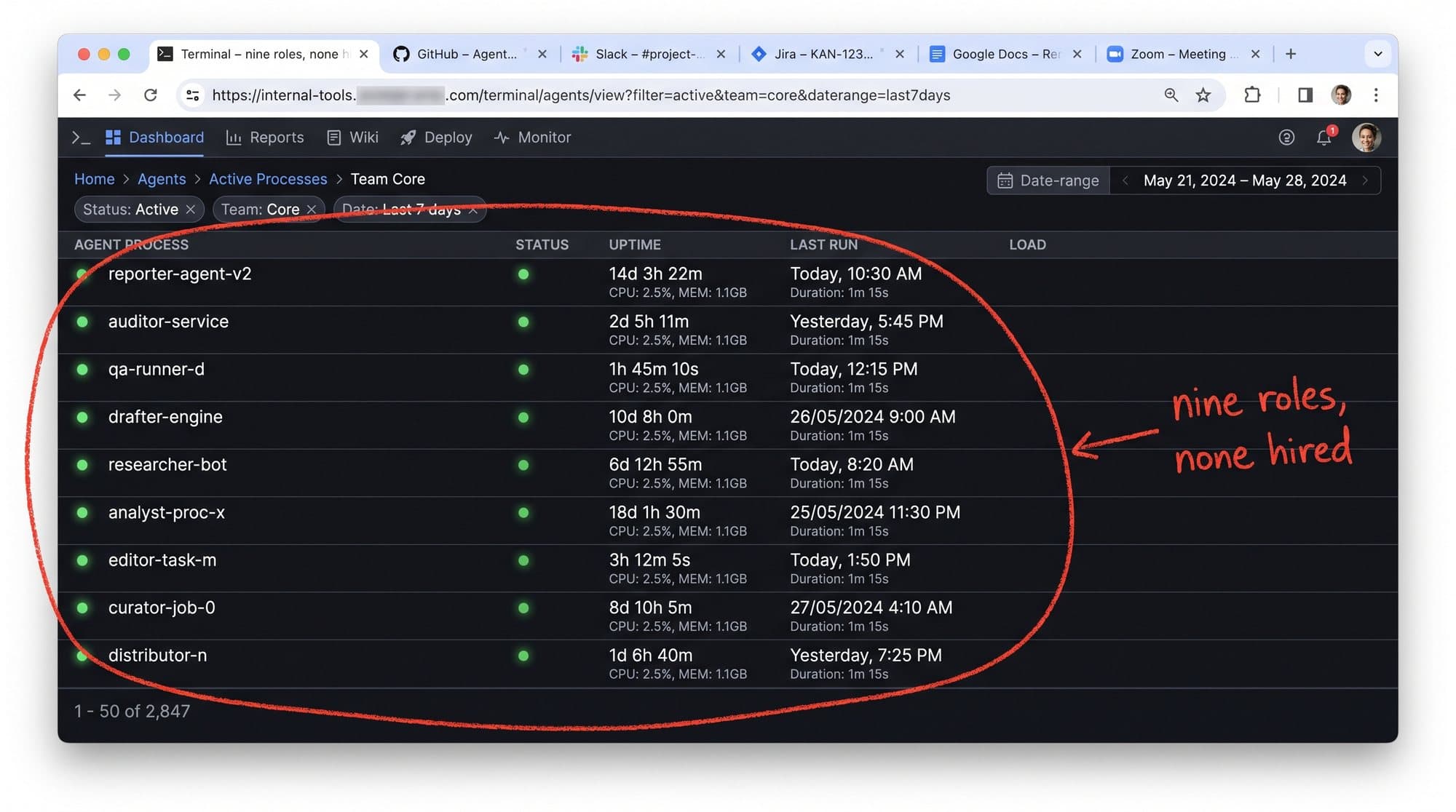
The exact stack that replaced nine hires, and the rules that made it work
Stephan Ochse ·
A founder asked me a fair question last week.
“When you say nine roles disappeared, what does the work now?”
He expected a list of tools.
Claude. Slack. Vercel. Instantly. A few APIs. Add the fees, draw some arrows, and call it an operating system.
That answer would have been useless.
You can buy every tool on this page this afternoon and still have the same workload tomorrow morning. I know because that is how I started. I had more software, more tabs, and a new monthly bill. The work still waited for me.
The change came when I stopped asking what each tool could do and started writing down the job it was allowed to own.
That is the useful part of this stack.
The stack costs about $1.6k a month in the way we run it. The equivalent execution work across nine separate seats prices closer to $14.4k a month before senior judgment enters the room. Treat those figures as the model behind this setup, not a universal salary calculator. Your volume, tools, and market will change the numbers.
The operating rule travels better than the price:
Give software the repeatable work. Give a human the decisions that can hurt the business.
**First, split the job before you replace the role**
Most companies try to automate a job title.
“Automate the media buyer.”
“Automate the project manager.”
“Automate content.”
A job title is too wide. It mixes routine work, company context, judgment, and responsibility. Software handles some of that well and should stay far away from the rest.
I start with the job description and mark every line.
Can this task be written as a clear sequence?
Can the result be checked against a known rule?
Can a mistake be caught before it changes money, access, or a client relationship?
If the answer is yes, that line becomes a candidate for the system. Strategy, trade-offs, and approval stay with a person.
[IMAGE-1: LinkedIn job post for a Senior Paid Media Manager, with repeatable execution tasks marked for agents and strategy and testing ownership boxed as the human job]
Look at the image above. Reporting, routine checks, pacing pulls, and first-pass analysis can become instructions. The testing roadmap and the call about what to do next remain human.
That one distinction prevented the worst version of automation: a confident machine making an expensive decision because nobody told it where to stop.
**Price the task before you build it**
Before I automate a task, I check what the market already charges to complete it.
The Fiverr screen below is not there because the stack outsources the work. It is there because a marketplace makes the task boundary visible. “Google Ads feed audit” is a concrete deliverable. It has a buyer, a price, a turnaround time, and a definition of done.
[IMAGE-2: Fiverr results for Google Ads feed audits, annotated to show the exact task, market price, seller proof, and the same bounded task completing in minutes inside the agent workflow]
This gives you a fast test.
If you cannot describe the output with enough detail to buy it from a specialist, you cannot describe it with enough detail for an agent.
“Help with marketing” is not a task.
“Pull the feed diagnostics, group issues by revenue risk, attach the affected product count, and draft the fixes for review” is a task.
The second version can be assigned, checked, and improved. It also tells you whether building the automation is worth it. If a task happens once a quarter and costs $80 to outsource, a custom system may be an expensive hobby. If it happens across 100+ accounts every week, the economics change.
That was one of the uncomfortable lessons for me. I wanted to automate the impressive work first. The repeated, boring work paid back faster.
**The terminal is the employee, because the instructions live there**
The tool becomes useful when it can run a written job without a new conversation every time.
For the audit layer, the instruction is a plain file. It says which account to pull, which checks to run, what counts as a warning, what evidence to attach, and where the result should go.
The terminal view below shows the job running through 223 checks and drafting fixes against the failures it finds.
[IMAGE-3: Claude Code terminal running a tiered Google Ads audit with 223 checks, pass and warning counts, issue values, and proposed fixes drafted for human review]
There are two details worth stealing.
The first is the boundary. The agent can pull, compare, flag, and draft. It cannot change a budget, pause a campaign, or publish a client-facing conclusion without approval.
The second is the receipt. “Audit complete” means nothing on its own. The output needs the failed check, the affected amount, the source, and the proposed next step. That gives the human enough context to make a call without rerunning the whole investigation.
This is where most AI workflows become theatre. They produce a polished paragraph, but the paragraph is not connected to the source data and cannot be checked. It looks finished while handing the real work back to the operator.
A useful agent leaves evidence.
**Each tool gets one narrow job**
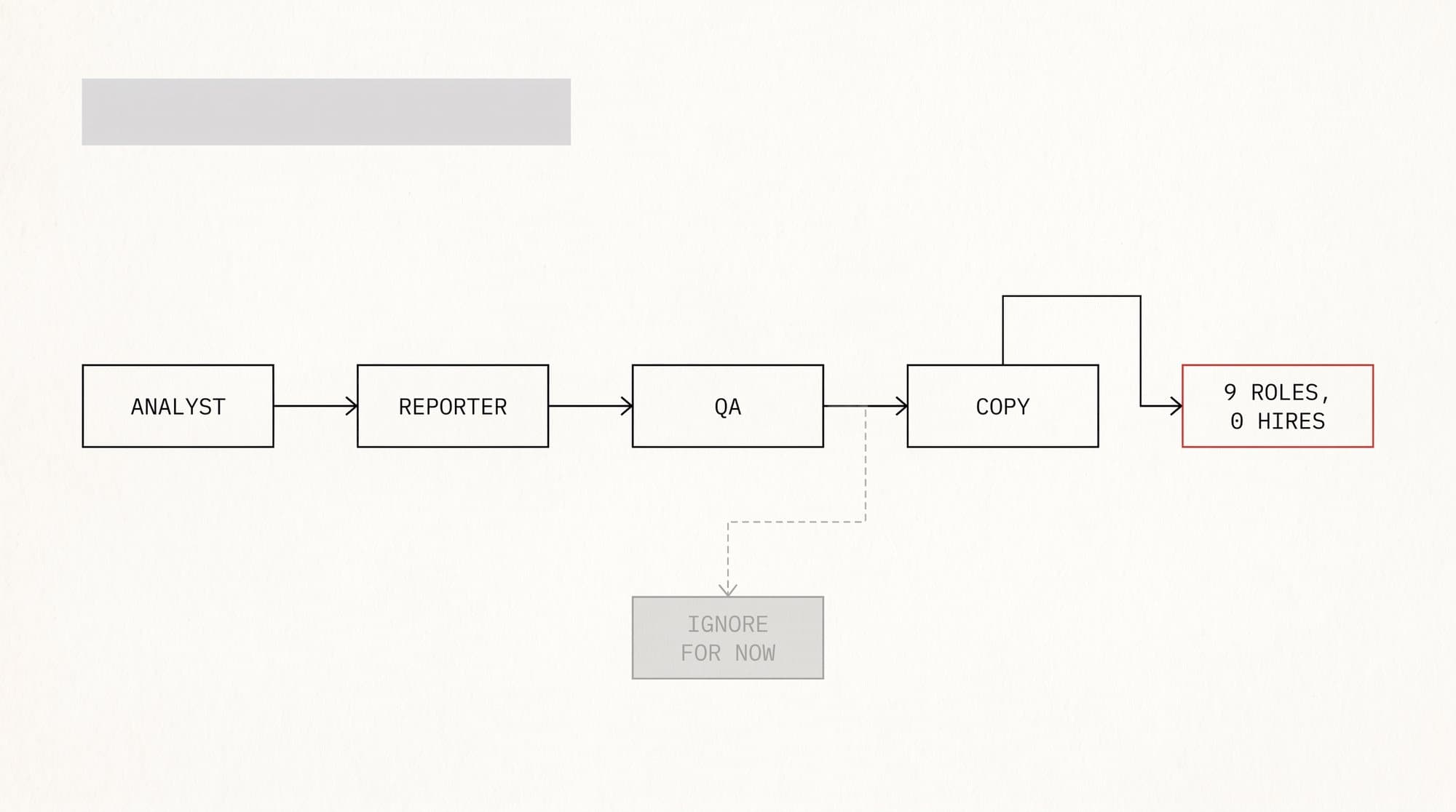
The cold-email chain below is one example of the wider design.
Apify finds the companies.
Apollo enriches the right contacts.
Claude writes from the research and the rules.
Instantly handles the sending sequence and inbox limits.
[IMAGE-4: Outbound workflow connecting Apify, Apollo, Claude, and Instantly, with each tool assigned one narrow step from lead discovery to controlled sending]
No tool in that chain is “the sales team.” Each one owns a bounded handoff.
The same pattern runs through the rest of the company:
- Google Ads and Google Analytics 4 supply the performance data. - Shopify is the commercial source of truth when platform reporting disagrees. - Slack holds the alerts and approval requests. - Supabase stores the content, status, and history. - Vercel runs the interface and the scheduled server work. - Image and video tools create controlled variations from an approved brief.
The value is in the handoff.
A lead cannot move from research to sending without the required fields. An audit cannot move from finding to action without evidence. A post cannot move from draft to scheduled without its copy, platform assets, and approval state.
That is why copying a logo list often fails. The tool is visible. The handoff rule is the company-specific part.
**Twenty-three tabs are a data problem wearing a productivity costume**
One account audit used to mean opening the same surfaces again and again.
Campaigns. Search terms. Merchant Center. Product pages. Analytics. Shopify. Notes. Reports.
The Google Ads view below shows 23 tabs open for one audit.
[IMAGE-5: Google Ads account open across 23 browser tabs, with the audit framed as a reconciliation problem and the system reducing three days of checking to a 30-minute review]
I used to think the answer was better concentration.
Close Slack. Put the phone away. Block the morning.
That helped a little. It did not fix the real problem. The numbers lived in different places, used different attribution rules, and disagreed with each other. Focus does not reconcile conflicting sources.
The agent layer now does the collecting and comparison first. By the time I open the account, I am reviewing the disagreements rather than hunting for them.
That changes the human job.
The old job was “find everything that might matter.”
The new job is “decide which finding matters now, which one needs more evidence, and which one is safe to ignore.”
That is a better use of experience. It also gives a junior person a much clearer path to becoming good, because the evidence is already organised and the decision can be discussed.
**The five questions that stay human**
The final image is the smallest part of the stack and may be the most important.
It is a note with five questions.
[IMAGE-6: Apple Notes page titled “The only 5 questions,” used as the human decision layer after the tools have collected and organised the evidence]
Every recommendation has to survive those questions before it becomes an action.
What changed?
What is the evidence?
What happens if we do nothing?
What is the safest useful move?
Who needs to approve it?
The exact wording can change for your company. The point is to write the judgment standard down.
Agents become dangerous when the company has never agreed on what a good decision looks like. In that situation the software does not remove confusion. It executes the confusion faster.
This was also the part I resisted.
I liked being the person who could open an account and “just know” what to do. It felt like expertise. It also made me the bottleneck, because the rule only existed in my head.
Writing the questions down did not remove my judgment. It made the judgment visible enough for the system to prepare the right evidence and for another person to challenge the call.
That is a healthier kind of authority.
**How to build your first version this week**
Do not start by copying eight tools.
Pick one task that repeats every week and irritates you every time.
Time yourself doing it once. Save the inputs, the decisions, and the final output.
Then write:
1. The trigger that starts the task. 2. The exact steps that do not require judgment. 3. The evidence the system must return. 4. The actions it is never allowed to take. 5. The person who approves the result.
Run that one job beside your manual process for a month.
When the results disagree, investigate the disagreement. Do not hide it. The disagreement is how the instructions get better.
Add the next task when the first one is boring, checkable, and trusted.
This stack took two years to become this ordinary. The first useful workflow took an afternoon.
The nine roles did not disappear because eight tools became brilliant.
They disappeared because repeatable work was separated from judgment, every handoff got a rule, and the human stayed responsible for the decisions that could hurt someone.
That is the stack I would copy.
Keep the tools if they fit. Replace them if they do not.
Keep the boundaries.