What's open on my machine while agents run 100+ accounts
Stephan Ochse ·
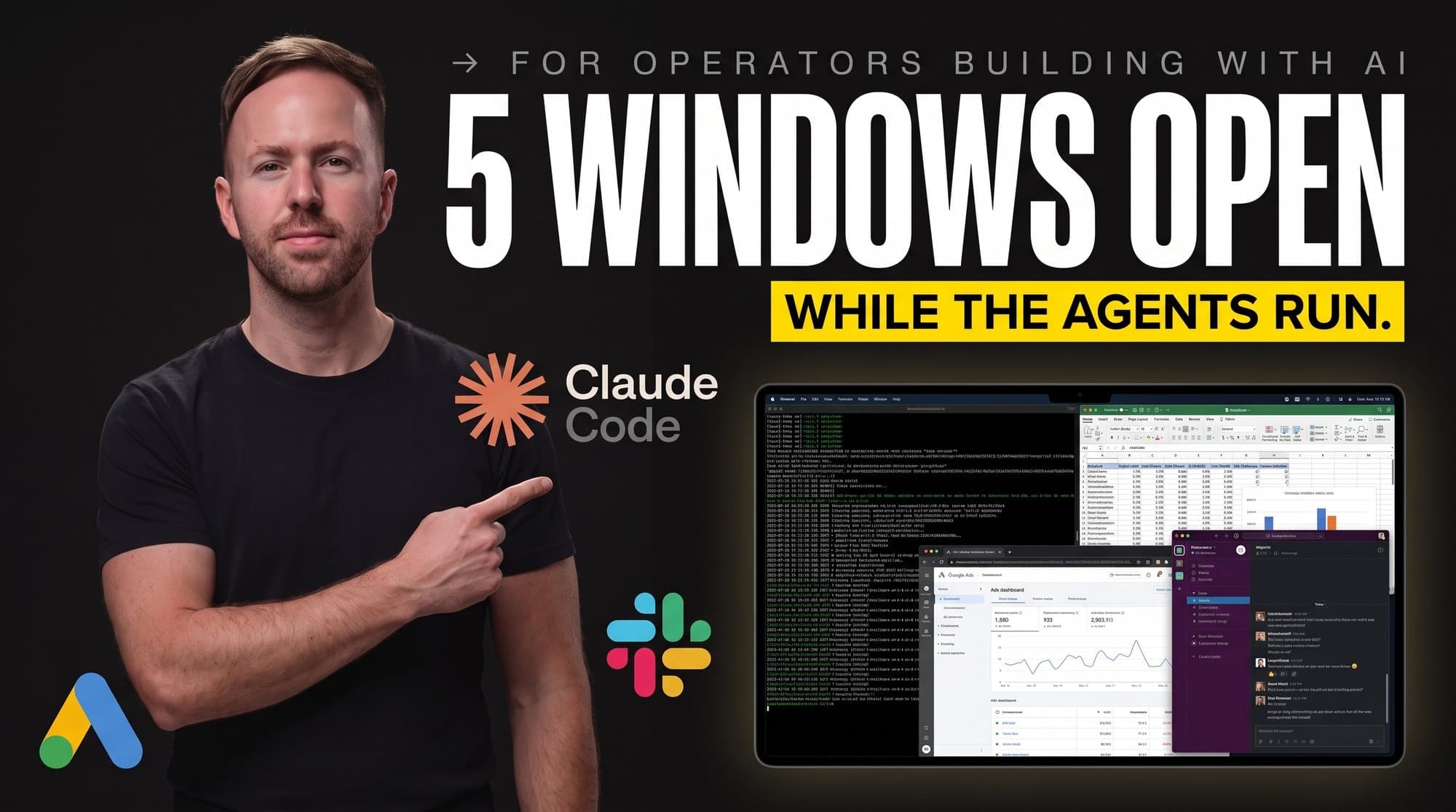
7:41am. Five windows are open on my machine, in the order I always walk them. Overnight the agents ran the 223-point check across 100+ accounts, $300k to $2.5M a month in ad spend, and left the exceptions waiting, each flag carrying its own evidence. One operator, no analyst floor. The walk starts now.
People ask me what tools I use and expect a list of forty. The honest answer is boring: five windows, in a fixed order, every morning. What makes it work isn't any one app. It's that every window has one job, agents do the reading, and I only look where something moved. This edition is the tour, screenshot by screenshot, numbered the way I walk it.
[IMAGE-1: Hyper-realistic wide photograph of an operator's desk setup at early morning, the edition's main image: two large monitors on a clean walnut desk, warm side lighting, a ceramic coffee mug and a closed notebook beside the keyboard, no person, no hands anywhere in frame. The left monitor shows a tiled window layout with a Claude app window and a Slack window side by side, the right monitor shows the Google Ads web interface beside a GA4 report, both with account names and customer IDs covered by soft gray gaussian blur bars, all readable UI labels real and correctly spelled, unimportant panels rendered as soft gray bars. Five numbered circular emerald #0E7C5A badges with white numerals 1 through 5 are pinned across the two screens, one per visible app window plus one on a browser tab strip, each badge connected by a thin emerald line to its window, no other annotation text. Photoreal depth of field, believable reflections, no border, no people, no faces, no wrists, no logos beyond the real product chrome on the screens, bottom tenth of the frame left clean for the footer composite.]
**Window 1: Claude, the agent console**
First window, always. Overnight, an audit agent ran the 223-point check against every account in the book and wrote one line per account: clean, or flagged with the reason. I don't read reports. I read exceptions. On a normal morning that's four to eight flags out of 100+, each one already carrying the evidence the agent pulled: the setting that changed, the metric that moved, the dollar estimate of what it costs a month if it stays broken.
The mental shift this window forced on me: I stopped being the person who checks accounts and became the person who checks the checker. Those are different jobs. The second one scales.
[IMAGE-2: Hyper-realistic screenshot of the Claude desktop app interface, real Claude chrome with the coral asterisk mark in the header and a clean conversation layout, the visible conversation showing an agent's overnight output formatted as a short list: a heading reading "Overnight audit: 223 checks per account" followed by rows reading "104 accounts clean", "6 accounts flagged", and beneath them three flag lines each with an amber dot, reading "Budget pacing +34% vs target", "Feed disapprovals: 41 items", "tROAS target stale after promo end", every account-identifying string in the flag lines covered by a soft gray blur bar, one numbered circular emerald badge with a white numeral 1 pinned to the top corner of the window connected by a thin emerald line to a single short annotation label on the clean margin reading exactly "I read exceptions, not reports", all visible text real and correctly spelled, unimportant chrome rendered as soft gray bars, no border, no people, no faces, bottom tenth of the frame left clean for the footer composite.]
**Window 2: Google Ads, sorted by deviation**
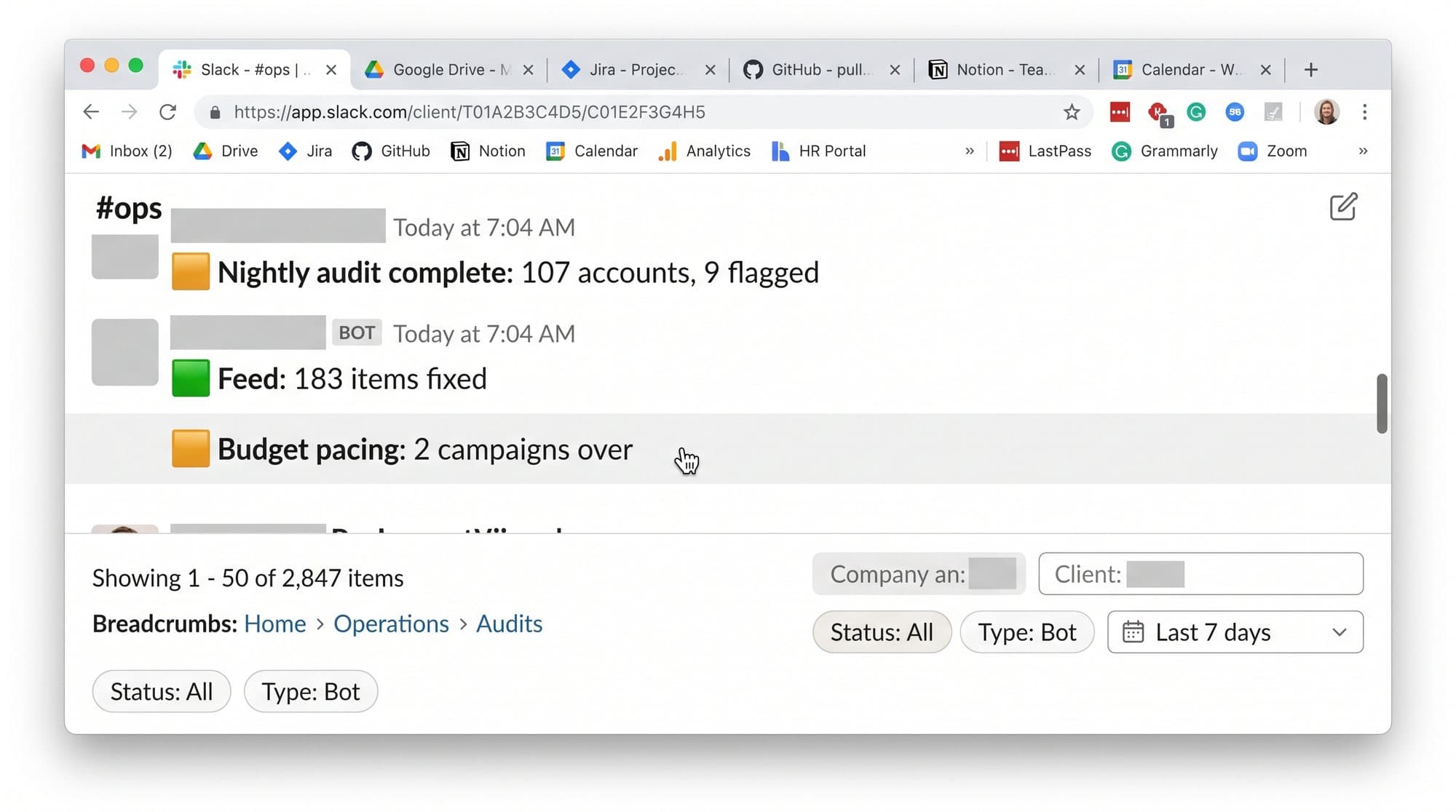
Second window is the Google Ads interface at manager level, and it's sorted the only way that matters: by deviation from plan, not alphabetically. The columns are fixed: spend, conversion value by conversion time, conversion-time ROAS against target, pacing versus the month. Click-time numbers don't get a column, because click-time numbers flatter the past two weeks and I make decisions about the next two.
The rule for this window: I open the accounts the system flagged and nothing else. Opening accounts out of habit is how operators turn into bottlenecks. The interface is where I confirm what the agent found and make the call the agent can't: whether the fix is a setting, a budget move, or a client conversation.
[IMAGE-3: Hyper-realistic screenshot of the Google Ads web interface at manager account level, real left navigation and header chrome with the Google Ads logo, an accounts performance table with columns reading "Account", "Cost", "Conv. value (by conv. time)", "Conv. value / cost", "Budget pacing", eight to ten rows visible with every account name covered by a soft gray gaussian blur bar, the table visibly sorted so the top rows show pacing deviation values like "+34%" and "-18%" tinted amber while lower rows show near-zero deviations in neutral gray, customer IDs blurred, one numbered circular emerald badge with a white numeral 2 pinned to the table header connected by a thin emerald line to a single short annotation label in the clean right margin reading exactly "sorted by deviation, never A to Z", all visible UI labels real and correctly spelled, unimportant chrome rendered as soft gray bars, no border, no people, no faces, bottom tenth of the frame left clean for the footer composite.]
**Window 3: GA4, the second opinion**
Third window, no screenshot needed to make the point: GA4, one property view per client book, revenue by day at conversion time. Ad platforms grade their own homework, and they grade generous. GA4 errs the other direction. The truth lives between the two, and the gap between them is itself a metric: when platform-reported value and analytics-reported value start drifting apart on an account, something upstream broke, a tag, a feed, an import, and window three catches it before either number alone would.
Thirty seconds per book. If the gap is stable, move on. If it widened, the account earns a flag even when both dashboards look green on their own.
**Window 4: Slack, where the machine talks**
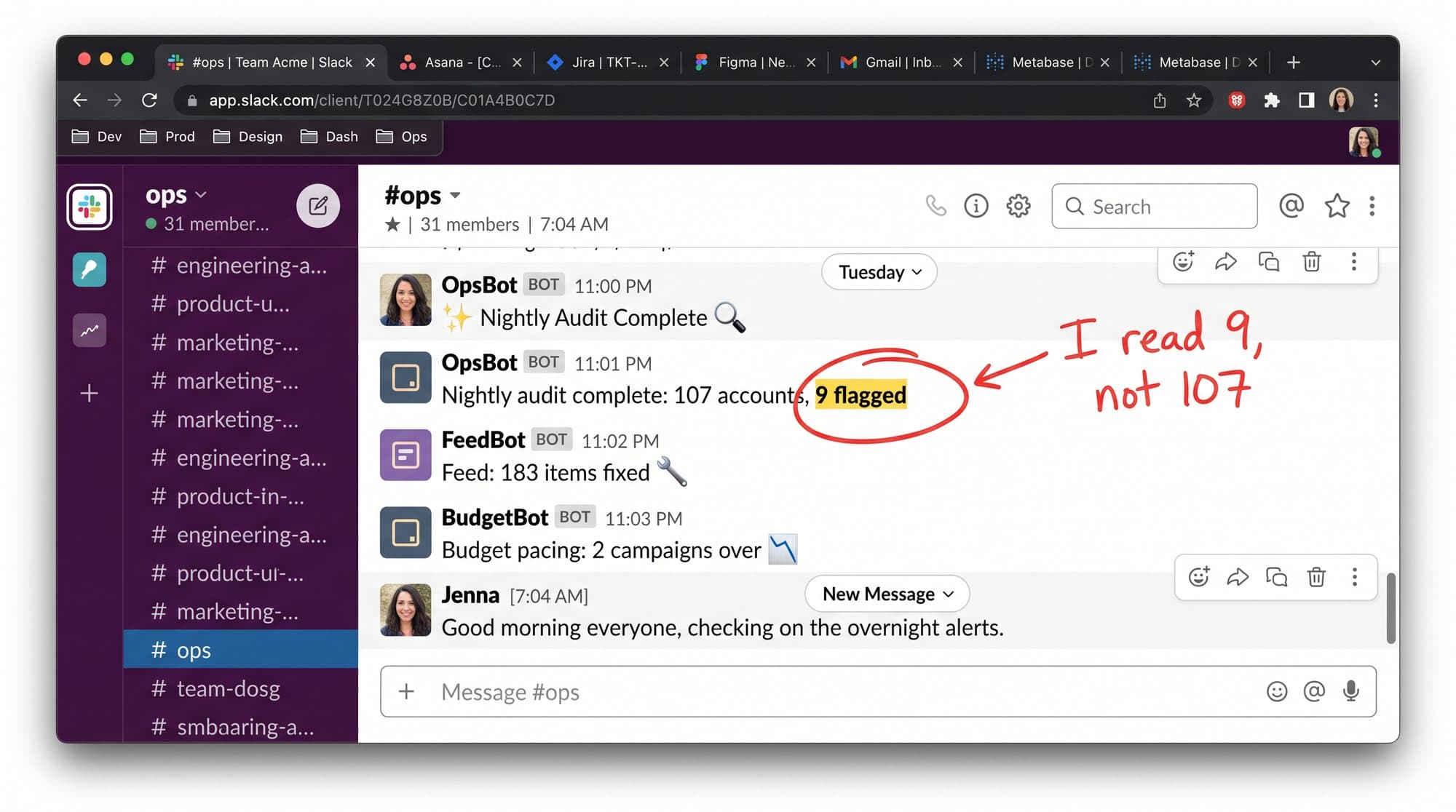
Fourth window is Slack, and it's not for chat. Agents post to alert channels: pacing breaches, disapprovals, feed errors, spend anomalies, each message tagged with the account and the size of the problem in dollars a month. The channel convention does the triage for me: red-dot channels get opened before 9am, everything else waits for the afternoon block.
A quiet channel is the system working. The discipline is believing that, and not opening dashboards out of anxiety when nothing has pinged. Anxiety-driven checking feels like diligence. It is the most expensive habit an operator has, and I say that as someone who needed a year to break it.
[IMAGE-4: Hyper-realistic screenshot of the Slack desktop interface, real Slack chrome with the Slack logo mark, a left sidebar showing a channel list where every client channel name is covered by a soft gray blur bar except two visible generic channels reading "#pacing-alerts" and "#feed-errors" with a small red notification dot on "#pacing-alerts", the main pane open on "#pacing-alerts" showing three bot-posted messages from an app named "Audit Agent" with a small robot avatar, each message a compact card reading "Pacing +34% vs monthly target" / "Est. impact if unchanged: $6,100/mo" and similar, with the account line inside each card blurred, timestamps reading 4:02 AM, 4:02 AM, 4:03 AM, one numbered circular emerald badge with a white numeral 4 pinned beside the channel name connected by a thin emerald line to a single short annotation label in the clean margin reading exactly "a quiet channel is the system working", all visible text real and correctly spelled, unimportant chrome rendered as soft gray bars, no border, no people, no faces, bottom tenth of the frame left clean for the footer composite.]
**Window 5: Notion, the brain the agents read**
Fifth window is the one nobody expects: a Notion workspace holding the operating system. Every audit check, written in plain language with its threshold and its fix. Every playbook. Every client's context page. This is the window that makes the other four possible, because the agents don't improvise. They execute definitions a person wrote, and when a definition is wrong, I fix the definition once and every future run inherits the fix.
Ask me which window I'd keep if I lost the other four and it's this one. Tools get replaced. The definitions are the business.
[IMAGE-5: Hyper-realistic screenshot of the Notion desktop interface, real Notion chrome and left sidebar, a database view open titled "Audit check library" showing a clean table with columns reading "Check", "Tier", "Threshold", "Auto-fix", rows visible with entries like "Primary conversion actions = 1", "Brand exclusions on PMax", "Conversion-time reporting enabled", "Search partners reviewed", each row carrying a small emerald "Active" status pill, a count in the view header reading "223 checks", any client-referencing page names in the sidebar covered by soft gray blur bars, one numbered circular emerald badge with a white numeral 5 pinned to the database title connected by a thin emerald line to a single short annotation label in the clean margin reading exactly "the definitions are the business", all visible text real and correctly spelled, unimportant chrome rendered as soft gray bars, no border, no people, no faces, bottom tenth of the frame left clean for the footer composite.]
**Why the order never changes**
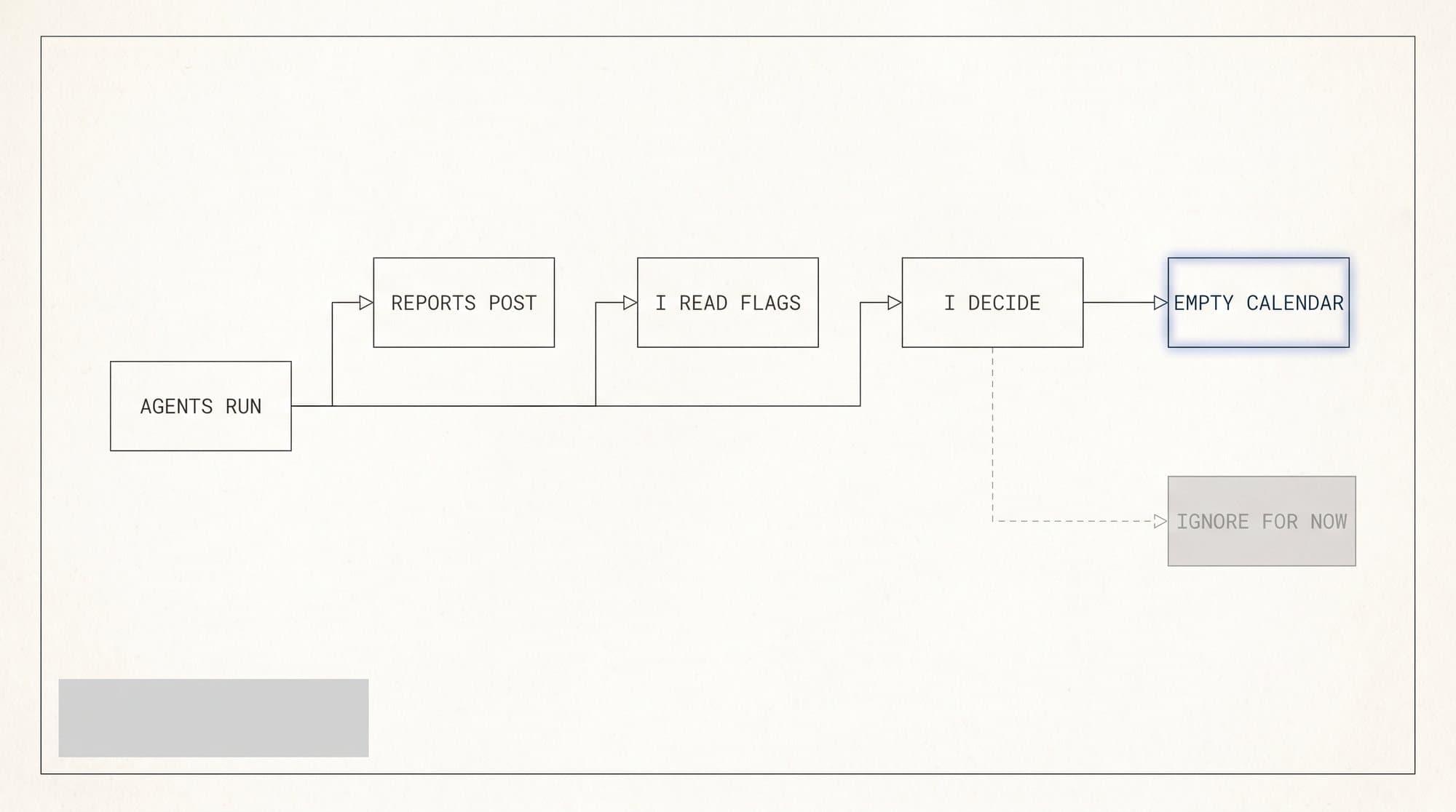
The sequence matters as much as the windows. Claude first because exceptions set the agenda for everything after. Google Ads second because a flag needs confirming in the account before it becomes a decision. GA4 third because the second opinion has to land before any budget moves. Slack fourth because by then the alerts have context instead of triggering panic. Notion last, and only when something in the first four windows taught me a definition was wrong. Run the same five windows in a random order and you get a very busy morning that decides nothing. The order is the workflow. The apps are where it happens.
**The window that isn't there**
Notice what's missing. No design suite, because creative generation and QA run on a cadence without me in the loop until the gate. No spreadsheet, because a spreadsheet on this desk means a report an agent should be writing. The sixth window stayed closed for a year now, and every time I've been tempted to open one, the better move was teaching the system to make it unnecessary.
The comparison that puts a price on all this: the 2019 version of this morning was a floor of people. An analyst pulling numbers, an account manager writing summaries, someone senior sampling a handful of accounts because sampling was all a human team could afford. Five windows replaced that floor, not because software is smarter than those people, but because it never skips a check on a Friday and never waves an account through on a feeling.
By 8:10am the walk is done. Four flags confirmed, one budget call made, one client note sent. The other 100+ accounts got the same 223 checks as the flagged ones and produced nothing that needed a decision. That is the model: full depth everywhere, attention where something moved.
Next edition is a case study: the Tuesday evening an audit found $44,300 a month of waste in a single account, receipts included. If you want the window-by-window checklist behind this tour as a plain document, reply STACK and I'll send it when it's cleaned up for sharing.